
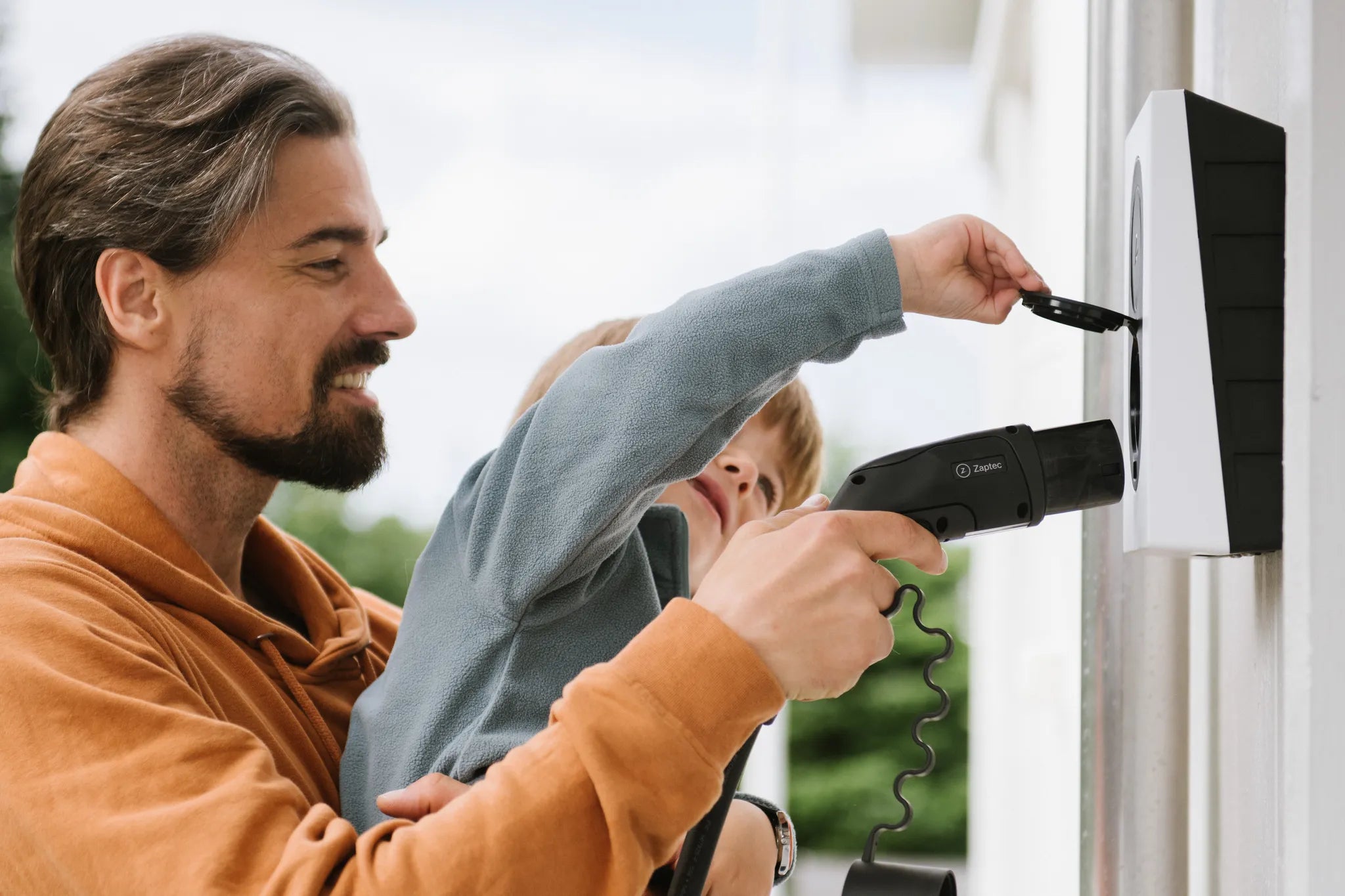
Your guest arrives before you. The gate is sorted, the parking space is free and the car could be charging while they wait. A little preparation is all it takes: give the guest their own working access to the charger.
In a properly configured Zaptec system, a guest only needs to learn a few simple steps. You retain a clear record of who was allowed to use it. This everyday situation is exactly where an RFID key proves useful.
Grant access and demonstrate how to start
Take a family driveway where two people use one Zaptec Go during the week. On Saturday, a relative arrives in their own electric car. The family knows the charger; the guest does not.
The Go user manual explains how access can be shared through individual accounts and how to start charging with RFID (Zaptec Go user manual). The guest can therefore charge over the weekend using access configured specifically for them.
There is no need for a lengthy introduction. They need to know where to park, how to identify themselves and how to tell that charging has started. A short routine is easier to repeat without help.
The key confirms permission to charge
Hold an RFID card or key fob against the device and it reads the identifier wirelessly. The permissions attached to that key determine whether the charger can be used.
Zaptec's guide lists several common RFID/NFC key types, including MIFARE Classic Type A. The chosen key must be registered and its account granted access (Adding an RFID key).
The technology name matters mainly when choosing a key. If you already use an access card at home, identify its exact type and test it. Give the guest a registered, proven key when they arrive.
What Saturday's arrival looks like
In our example, the guest receives access on Friday and practises starting a charge with you. The key is their personal identifier. On Saturday they simply repeat the routine: park, plug in and touch the key against the charger.
Then check the charger's response. There may be a delay between plugging in and actual charging, for example when a schedule is active. Show the guest which indication confirms that everything is working in your setup.
Where approval is required, the manufacturer says charging can be started with a registered RFID/NFC key or suitable app access. If an external operator manages the site, follow that operator's start process (Starting a charge).
By the time you get home, the guest has not needed to ask for login details or search through your phone. The arrival fits naturally into the family day because the steps were shown in advance.
The app is useful in other situations
One family member may carry an RFID identifier on their keys while another prefers to use a phone. Everyone need not start charging in the same way.
A key identifies the user in one movement. Depending on your permissions, the app also shows status, so the two methods can complement each other: identify with the key in the garage, then check charging from inside the house.
Show a guest only what they will use. A short, rehearsed routine may be best for one weekend. For someone who charges regularly, configure app access properly as well.
Separate identification remains useful later
On Sunday, you look up how much energy the guest charged. A session assigned to their own identifier is much clearer than a shared family key passed from person to person.
An identifier is not a payment method. Agree separately if the guest will contribute to the cost. The card controls access and identification; the amount follows the settlement you agree.
Give each key a recognisable name in your records. Then you can immediately find the right access when the guest returns, changes phone or loses a key.
Close access at the end of the visit
Decide whether access should remain until next time. If it was only for this weekend, the system administrator should revoke it and check that the change took effect. Do not assume it expires automatically unless an expiry was configured.
If a key is lost, Zaptec explains how to remove its identifier in the app or Portal and review existing keys (Managing RFID identifiers).
Before the first visit, choose the access method, practise starting and decide who will manage later changes. Charging can then become as natural a part of arrival as showing the guest where to park.
Want to give family and guests access too?
On our contact page, tell us the charger model, the number of regular users and how often guests visit. We can help you choose a charger and access method that fit.


